


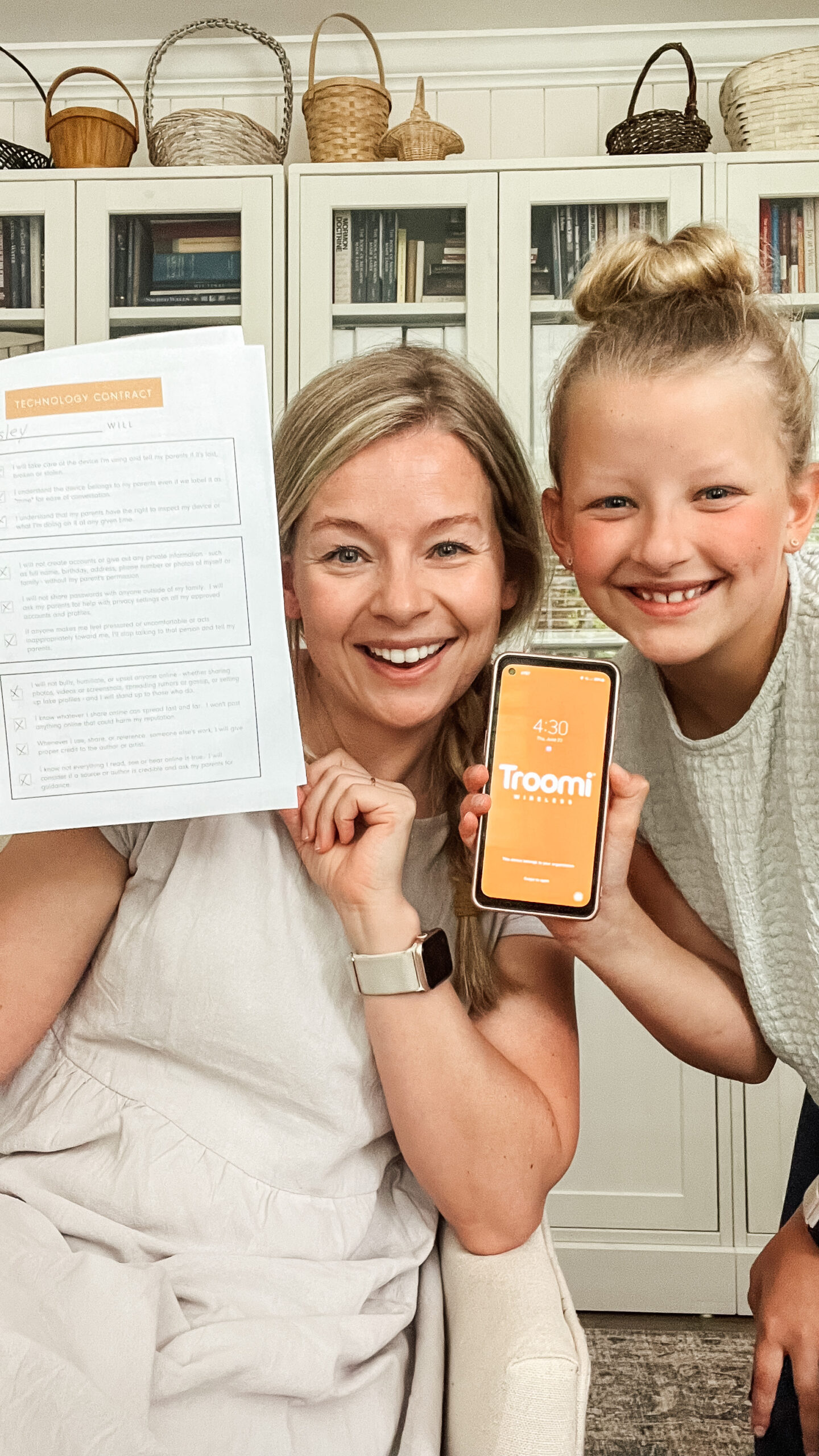
Can I confess something? I totally dreaded the day my kids would ask for a phone. That day came several years ago, and it took many ongoing, long-winded debates before we settled on the right solution.
As a parent, I worried giving my kids a phone would mean the loss of childhood and innocence. But I also feel like it’s our responsibility to help our kids make these transitions at the right time.
After a lot of research, trial, and error, we found a phone that I'm convinced is the BEST first phone for kids. We are now all happy and excited for our kids to have technology, which can be a great tool for them and will grow with them as they get older!
Why We Love the Troomi Phone
Have you heard of the Troomi phone? I am convinced it is the perfect first phone. It can be totally customized to the needs of your child, and you can change the settings and restrictions as your child gets older.
The Troomi phone is a Samsung phone that you can buy directly from the Troomi website. It comes with its own cellular network and has a data plan for calling and texting. It has apps that are accessible by wifi. Here are some of the best features on the Troomi phone:
- Child-safe apps: With the Troomi phone, parents can decide which apps they want to add to their child's phone. We love adding child-safe apps like Libby for audio books, Spotify for music (you can restrict explicit music), and Greenlight for checking debit card balances. There is NO social media on this phone, which we love. Even if a child gets a link to a social media post, Troomi will block it so they can't view the link. We also love that you can add GroupMe for communicating with sports teams, church groups, etc.
- Intuitive parent portal: Parents can manage apps, settings, restrictions, etc. through the parent portal. This is a website that allows you to add and approve contacts, add apps, and view texts and phone calls. (You can even view deleted messages.) It's nice that you have this level of control without having to get on the device!
- Parent approval settings: On the Troomi phone, kids can only receive texts and phone calls from approved contacts. If your child wants to add a contact to their phone, the parent has to approve it first.
- Time limitations: You can set time limits on the Troomi phone so your child can't use the phone during certain blocks of time.
- Settings that grow with your child: As your child grows, you can expand the options of what they can do on the phone. For example, you could add a child-safe web browser to the phone, if you'd like. You can also disable the function that requires parents to approve all contacts added to the phone.
- Other helpful features: The Troomi phone also comes with other helpful apps and tools like GPS tracking, a calculator, a calendar, camera, etc.
Get $50 off a Troomi phone with code HOMEANDKIND
Troomi vs. Gabb Phone

We originally started our daughter Kate with the Gabb phone. And while it is a great starter phone, it is very limited in capabilities. There was a very short window of time where the Gabb phone made sense, and then we found ourselves looking for something that had similar parental tools, but with more customization options.
Thankfully, we found the Troomi phone and quickly realized it would be the PERFECT option to last our kids many years.
I still think Gabb is a brand and that the Gabb watch is a great introduction to technology. In our family, we've decided to start our kids out with a Gabb watch around fourth grade, then move to the Troomi phone in sixth grade, and an iPhone (with restrictions) in eighth grade.
Get $30 off a Gabb Wireless watch with code HOMEANDKIND30
I will add that there is no perfect option for kids + technology, and there will always be ways for kids to work around safety guards, no matter how many restrictions parents put up. I do think it's important to remember that making mistakes is natural, and the best possible way to set your kids up for success is to COMMUNICATE and build a relationship of trust.
A Technology Contract
We knew that when we were going to introduce phones to our kids, we wanted to have a contract in place. It's so important to have really clear expectations and rules established right from the start.
I found a good resource from Common Sense Media, and used that as the baseline for creating our own contract. We even included our kids in the development process of our contract, and they actually had some great ideas! They thought of things to add that I didn’t even think of, like not taking pictures of others without their permission.
The contract opens up an opportunity to discuss safe technology usage with kids, along with the consequences of failing to do so. It also assures kids that they will have freedom from parents within established guidelines.
Our Consensus
Justin and I have talked about this a lot: we want to help them navigate social media and have internet access on their phone while they are still at home, so we can teach positive choices associated with those things.
I feel like the Troomi phone is a perfect entry-level step for a kid's phone and even as a community family phone, and the Gabb watch is a great pre-phone option.
I'd love to hear your approach with kids and technology! How are you wading these waters?
I like to hang out on Instagram and share more in-depth tutorials on everything I make, create, and organize. Come be a part of our Home & Kind Instagram community.


